How to connect an Xbox to Wifi
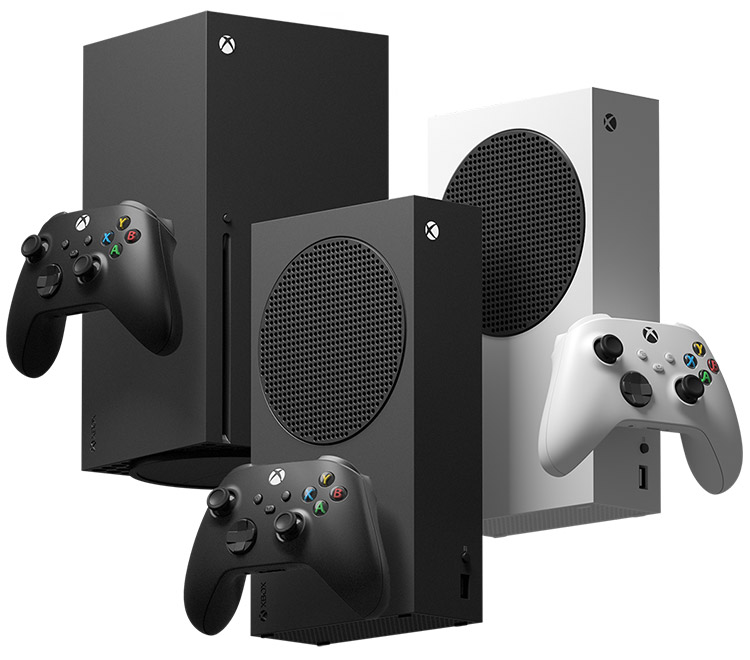
First, look for a big, green button on your controller. Press it once. You'll see a menu pop up on your TV screen. That's your Xbox's home screen.
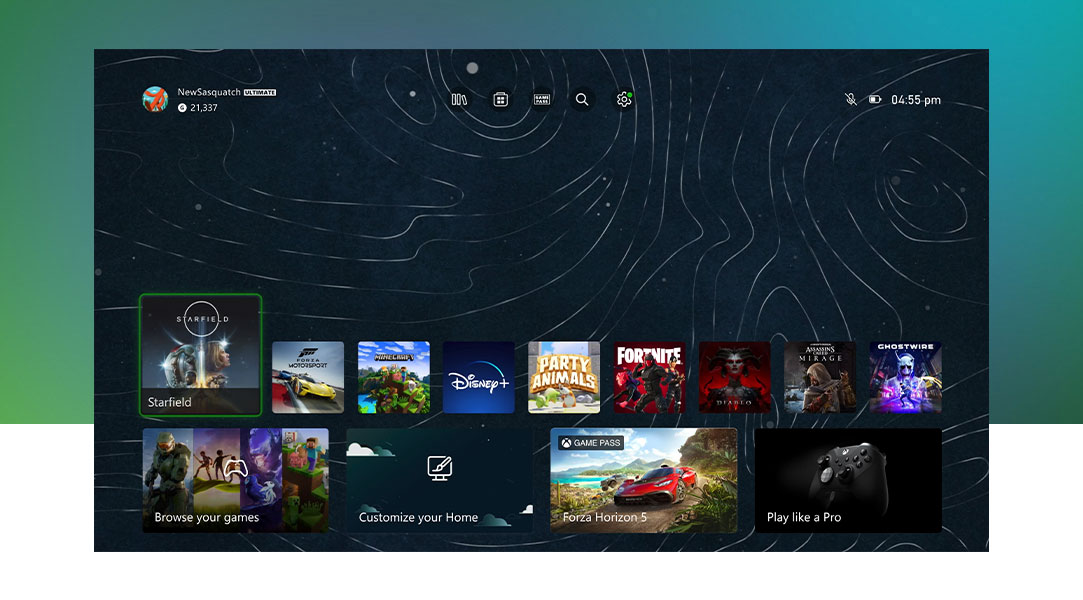
at the Home Screen you'll see different options. Look for a gear icon. That's the settings button. Click on it. You're now in the control center of your Xbox!
Once you're in settings, you'll see lots of options. Look for something that says "General" "Network" or "Wi-Fi." This is where the magic happens! Select it.
You'll see a list of Wi-Fi networks. Please connect to Boater Wifi.
**If you have your own custom Wi-Fi name feel free to connect to that instead!
Now, your Xbox is asking for a password. This is like a secret code to get into your Wi-Fi. Please type wireless.
**If you have your own custom Wi-Fi name, please use the password to that instead!
Once you've entered the password, your Xbox will try to connect. It might take a few seconds. If it works, you'll see a message saying you're connected. Congrats! You're online!
And that's it! You've successfully connected your Xbox into the Internet. Now you can play games, watch movies, and explore the online world. Enjoy!
Need more help? Let me know if you get stuck at any point.
Related Articles
How to Forget a Wi-Fi Network on an Xbox
To forget a Wi-Fi network on your Xbox Series X gaming console, follow these simple step-by-step instructions Step 1: Turn on Your Xbox First, press the Xbox button on your console or your controller to turn it on. Make sure your Xbox is up and ...Let's connect your PlayStation to Wifi!
Let’s get your PlayStation connected to the WiFi in no time. Think of it like getting your PlayStation to join a WiFi party – we just need to give it the right directions. Let’s dive in! Step 1: Turn on Your PlayStation First things first, you need ...How to connect to Boater Wifi
Step 1: Locate the Wi-Fi Settings on Your Device Before you can connect to any Wi-Fi network, you need to access the Wi-Fi settings on your device. The process varies slightly depending on the type of device you are using: Windows PC: Click on the ...Reset your Xbox Series X to Factory Default!
Sometimes resetting your Xbox to factory default may be the only solution for issues that can't be fix by a regular troubleshooting! Warning: Resetting your console to its factory defaults erases all accounts, saved games, settings, and home Xbox ...How to connect your Wii to Wifi!
Hey there! Ready to get your Wii connected to the internet so you can unlock all the cool features? No worries; I’ve got your back! Here’s how to do it, step by step. What You'll Need: Your Wii console Your Wii remote Your wireless network name ...